How to Choose a Gaming PC in 2026: What Actually Matters
Buying a gaming PC in 2026 is about more than picking the biggest GPU number. Here's how to balance the graphics card, CPU, VRAM, RAM, storage, display and power supply for the games you actually play.
On This Page Explore this article
A gaming PC isn't automatically good because it has an expensive processor, a huge graphics card or a case full of RGB lighting.
The right PC depends on the experience you're trying to create.
Someone playing competitive games at 1080p and 240Hz has a different priority from someone playing cinematic single-player games at 4K. Someone building a PC for Minecraft with heavy mods and shaders has different requirements again.
And someone who wants to play upcoming AAA games for several years needs to think about more than today's benchmark.
So before looking at a single component, decide three things:
What games do you play?
What resolution do you want?
What frame rate are you targeting?
Everything else follows from those decisions.
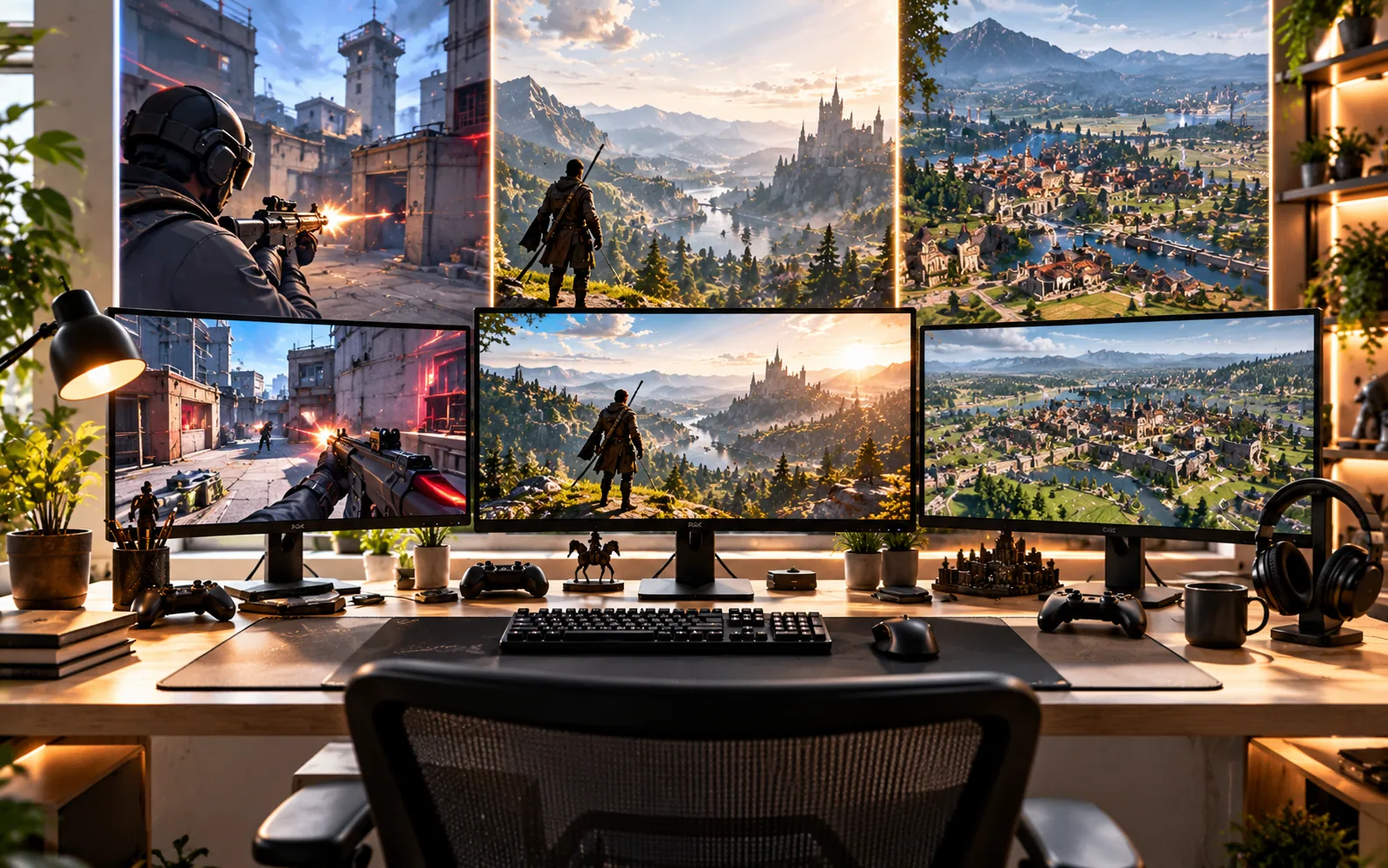
The GPU handles the bulk of the graphical work required to render a game.
It determines how much graphical detail you can push, how comfortably you can run higher resolutions and how much headroom you have for demanding features such as ray tracing.
That doesn't mean “buy the most expensive GPU you can afford.”
It means buy the GPU that matches your target experience.
NVIDIA's current GeForce RTX 50 family is built around its Blackwell architecture and includes the RTX 5090, 5080, 5070 Ti, 5070, 5060 Ti, 5060 and 5050. NVIDIA
AMD's current Radeon lineup includes the RX 9000 series, with the RX 9070 XT and RX 9070 among its RDNA 4 desktop products. Advanced Micro Devices, Inc.
The names matter less than the relationship between GPU performance, VRAM, resolution and price.
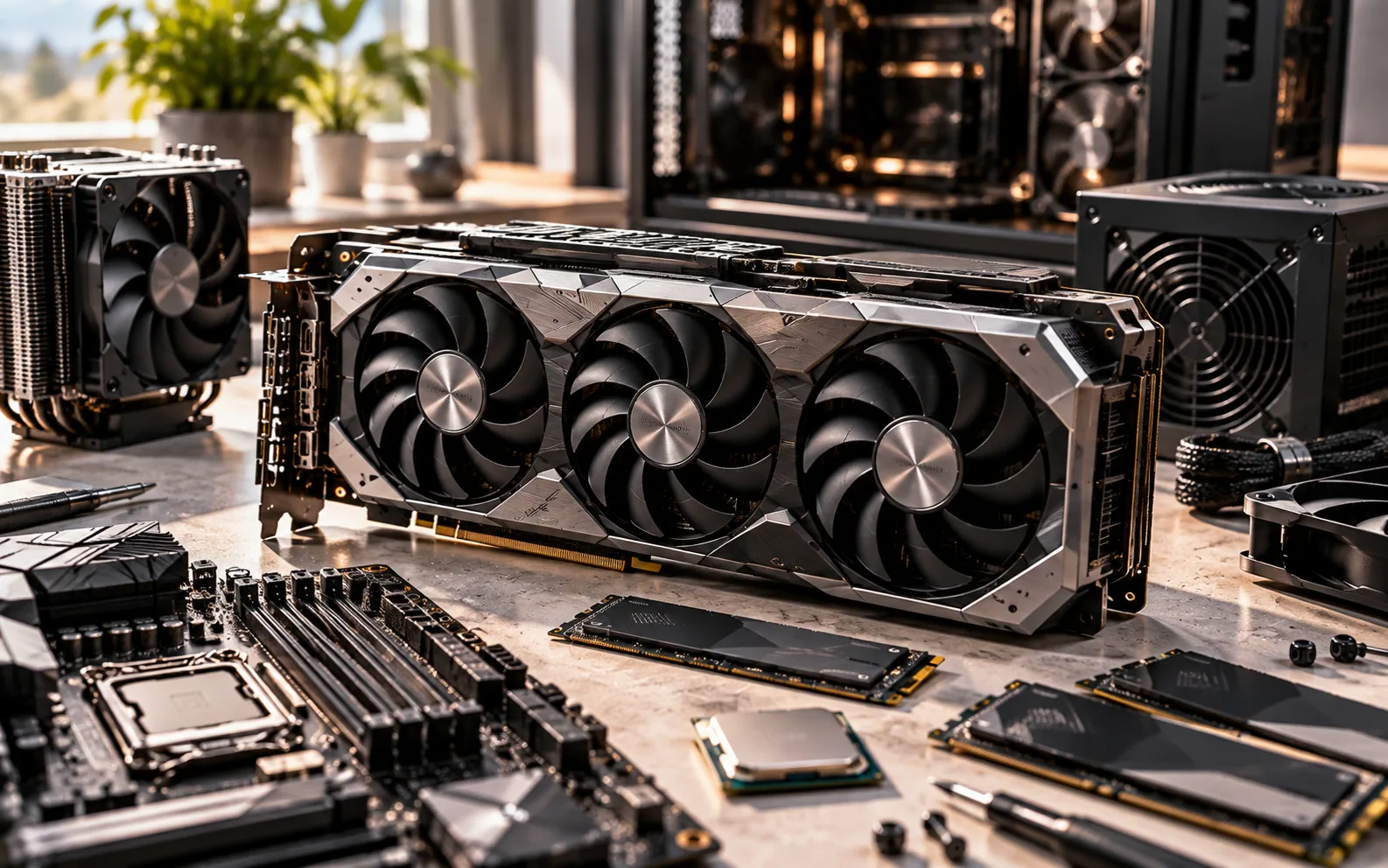
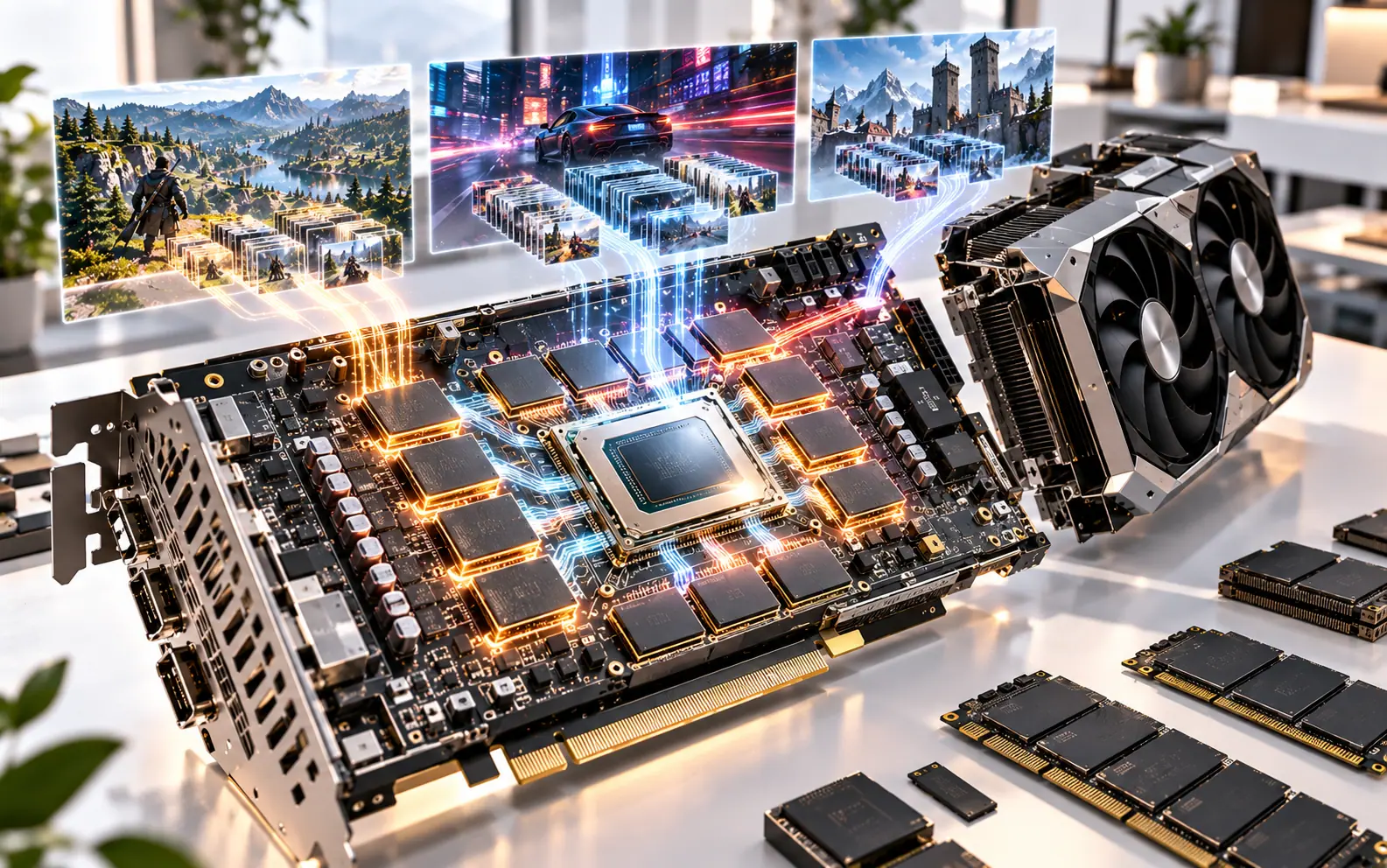
VRAM is the graphics card's high-speed local memory.
It stores things such as textures, shaders and other graphical assets needed during rendering. AMD explicitly describes VRAM as important for maintaining detailed graphics and notes that increasing game fidelity increases memory requirements. AMD
This becomes particularly relevant when you're running:
- High-resolution textures
- 1440p or 4K
- Ray tracing
- Large open worlds
- High-quality texture packs
- Mods
But VRAM should never be considered by itself.
A graphics card with more VRAM isn't automatically faster than one with less.
Think of VRAM as capacity, while the GPU itself determines much of the actual rendering capability.
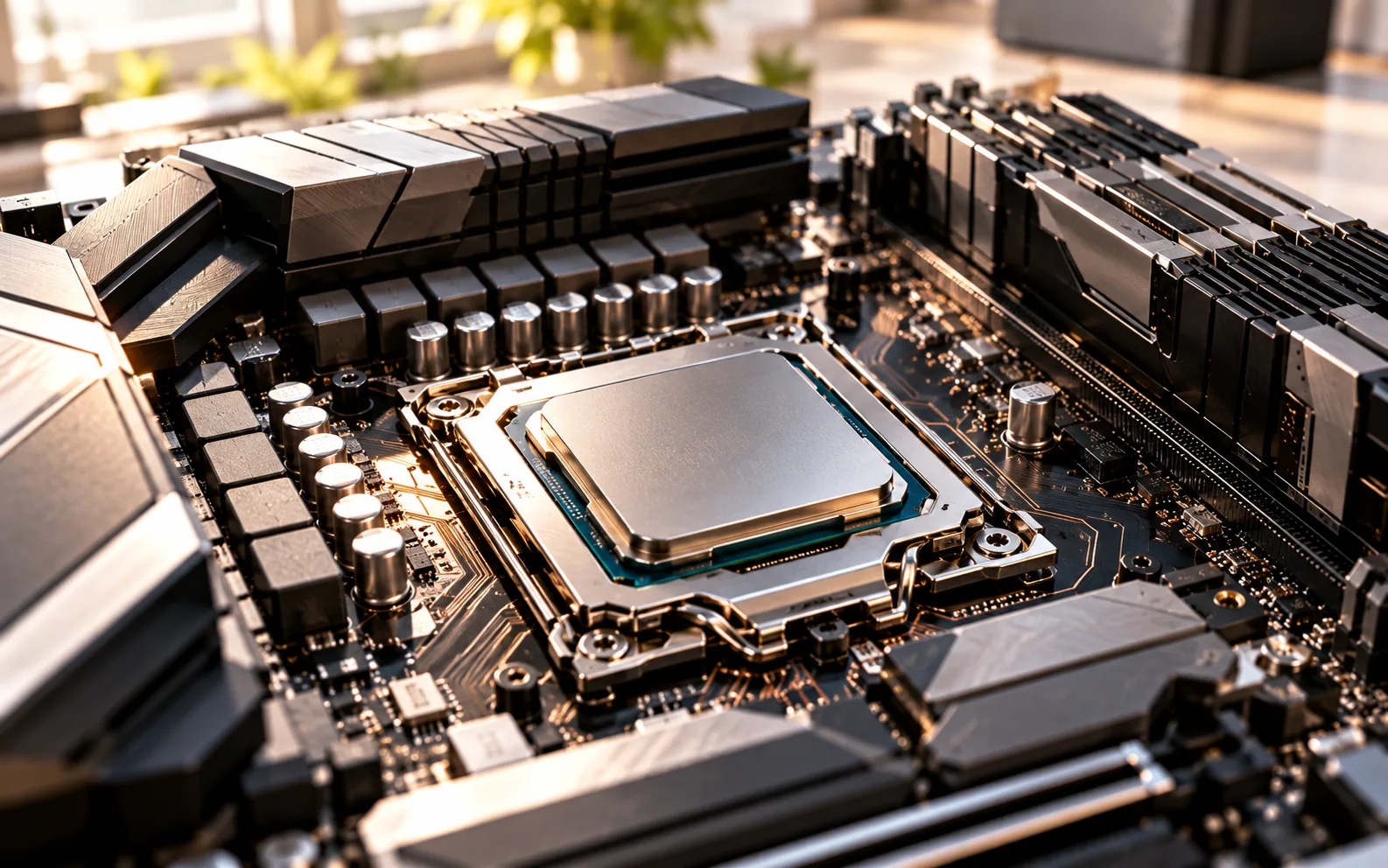
The processor handles game logic, simulation, AI, physics, background tasks and countless calculations happening outside the GPU's rendering workload.
This becomes especially important in games with:
- Large numbers of NPCs
- Complex simulations
- High frame rates
- Large open worlds
- Heavy background activity
The modern desktop CPU market is also much more complicated than simply choosing “Intel or AMD.”
AMD's Ryzen 9000 family includes processors such as the Ryzen 7 9800X3D, an 8-core/16-thread Zen 5 desktop processor with 96MB of L3 cache and DDR5 support. AMD
Intel's current desktop lineup includes Core Ultra Series 2, with 2026 additions such as the Core Ultra 7 270K Plus and Core Ultra 5 250K Plus. Intel
The lesson isn't that one company automatically wins.
The lesson is that CPU choice should be based on the workload and the complete system.
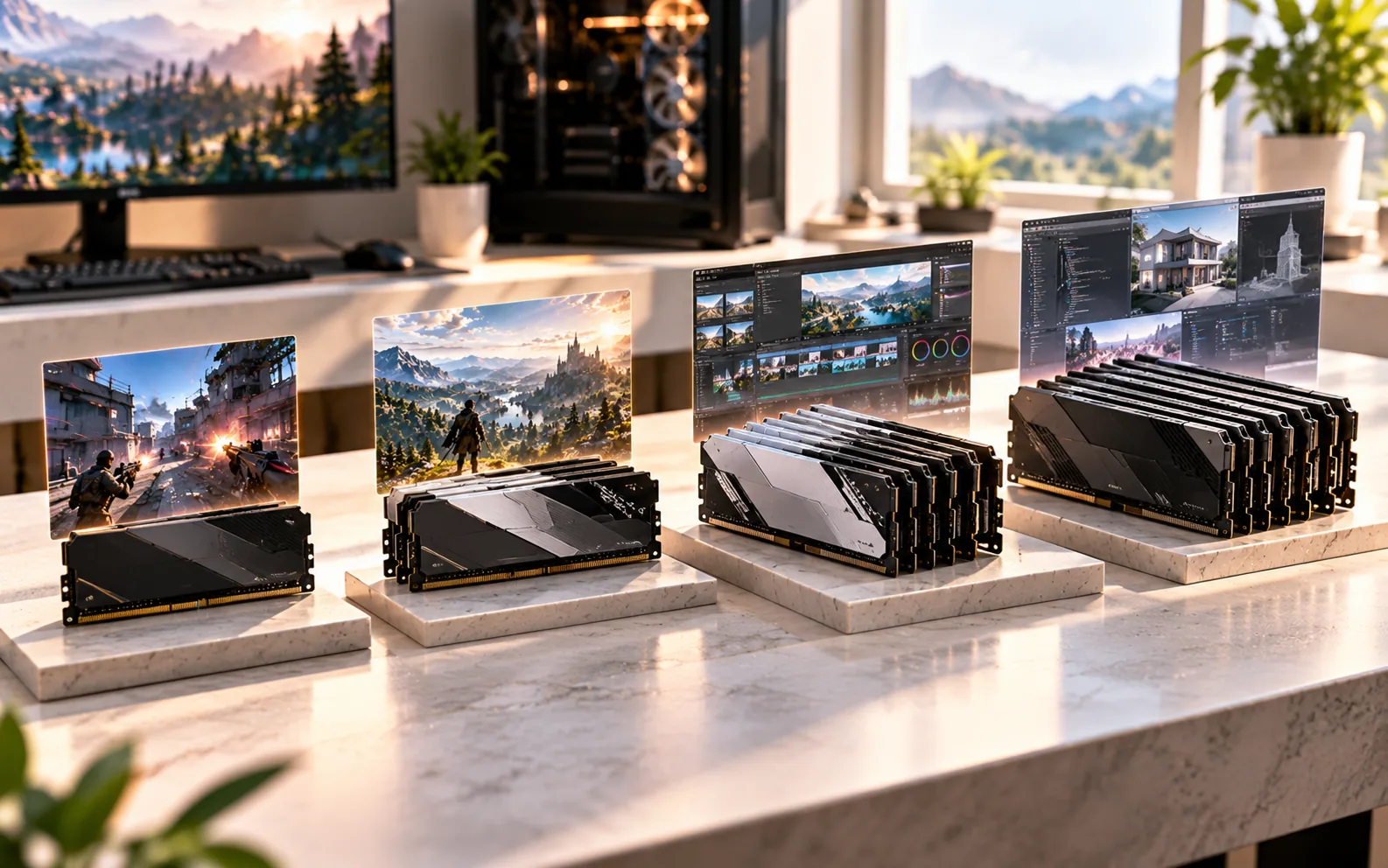
RAM is the system memory used by Windows, games and applications.
For a gaming-focused PC, 16GB remains a practical starting point, while 32GB gives considerably more breathing room for modern multitasking and demanding workloads.
The important thing is to consider capacity and platform compatibility together.
Current desktop platforms increasingly use DDR5. For example, AMD's Ryzen 7 9800X3D supports DDR5 memory, while Intel's 2026 Core Ultra 200S Plus platform also introduces support for newer high-capacity memory configurations on compatible boards. AMD
If you're building a new system, don't treat RAM as an afterthought.
But don't sacrifice the GPU just to advertise a huge memory number either.
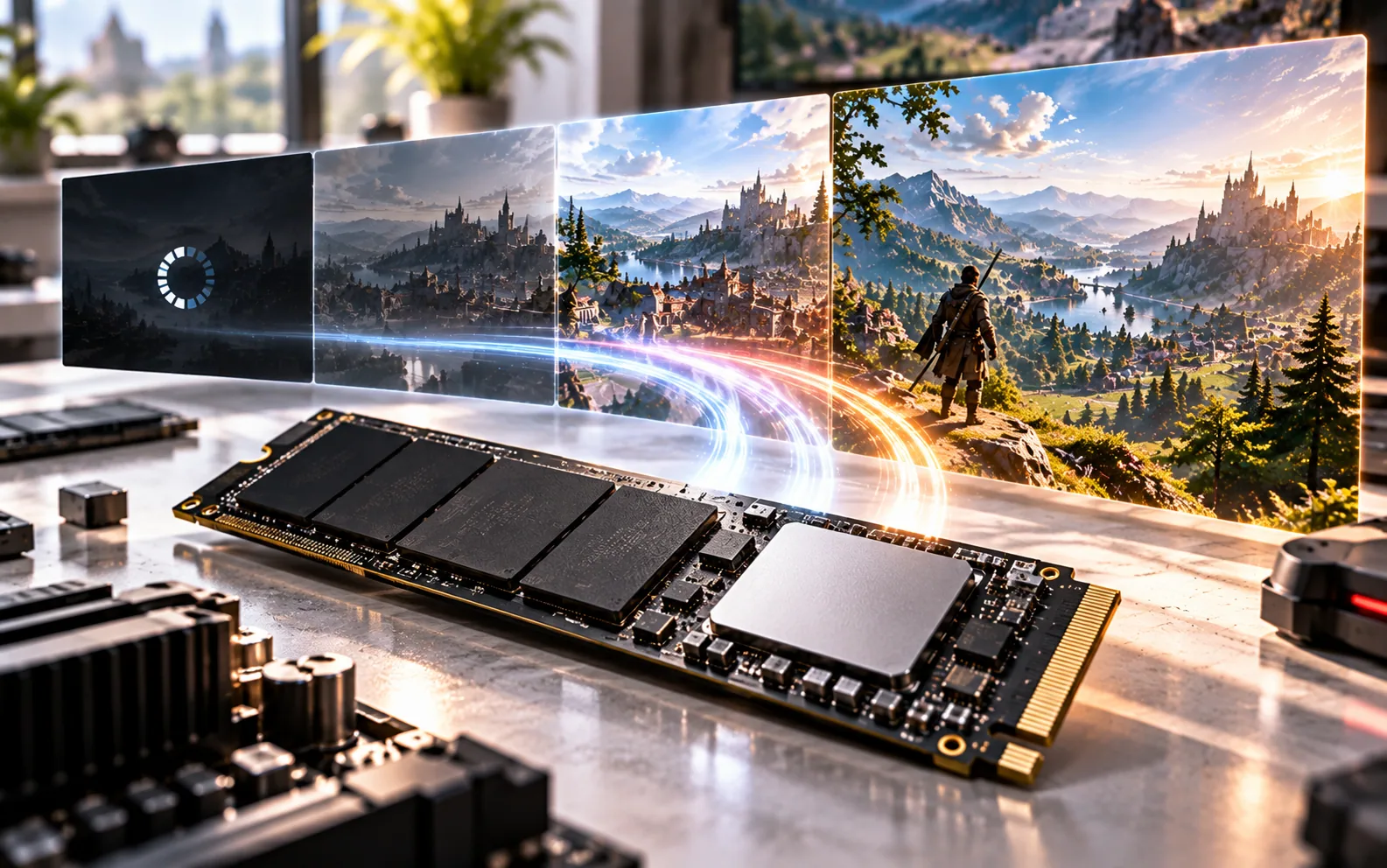
Large games can consume enormous amounts of storage, and modern storage technologies can also affect how quickly systems move data.
NVMe SSDs connect directly through high-speed PCIe interfaces and are now standard equipment in many gaming PCs.
Microsoft's DirectStorage technology is specifically designed to let supported games use high-speed NVMe storage while reducing CPU overhead during data transfer. Windows 11 lists an NVMe SSD among the requirements for DirectStorage. Microsoft Learn
That doesn't mean an SSD magically increases every game's frame rate.
It means storage is increasingly part of how quickly a modern game can move its enormous collection of assets.
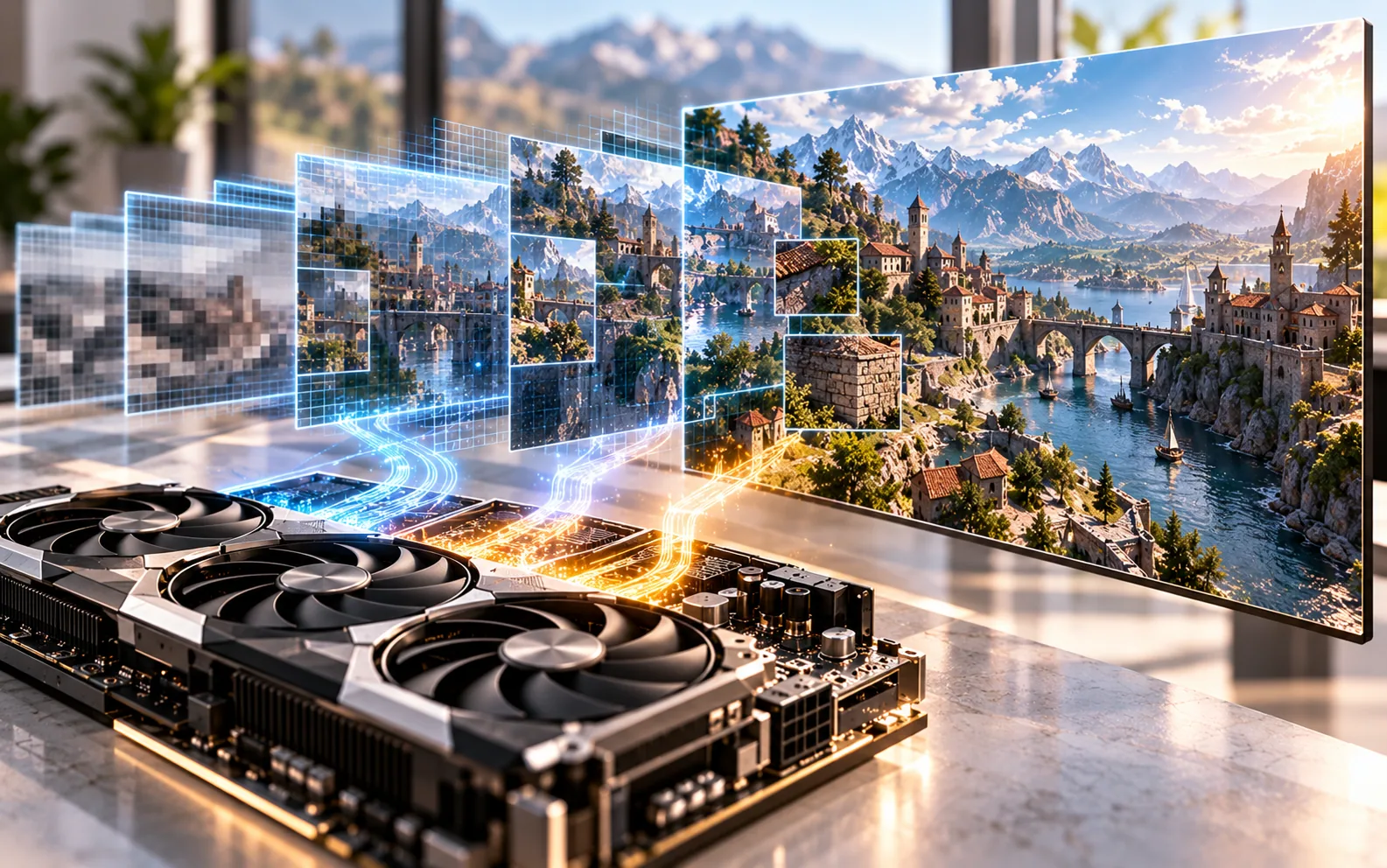
Modern graphics cards increasingly rely on reconstruction and AI-assisted rendering technologies.
NVIDIA's current DLSS 4.5 includes a second-generation transformer model for Super Resolution and, on RTX 50-series hardware, Dynamic Multi Frame Generation with up to 6X Multi Frame Generation. NVIDIA says the technology is designed to improve image quality and increase displayed frame rates in supported games. NVIDIA
AMD's current FSR ecosystem has also moved beyond simple upscaling. AMD's FSR “Redstone” suite includes FSR Upscaling, Frame Generation, Ray Regeneration and Radiance Caching, with ML-powered features targeting supported Radeon hardware. AMD
These technologies can be extremely useful.
But there's an important distinction:
Generated frames are not the same thing as traditionally rendered frames.
When comparing GPUs, look at the complete experience rather than a single FPS number produced with a particular technology.
Ray tracing simulates aspects of how light behaves rather than relying entirely on traditional rasterization techniques.
The result can include more realistic reflections, shadows and lighting.
But those calculations can be expensive.
This is why modern GPUs increasingly combine dedicated ray-tracing hardware with technologies such as DLSS or FSR.
NVIDIA's RTX 50 architecture includes fourth-generation RT cores, while AMD's RDNA 4 generation also supports hardware-accelerated ray tracing. NVIDIA
The practical advice is simple:
If you care about ray-traced graphics, include RT performance in your GPU comparison.
If you don't, you don't have to spend your entire budget optimizing for it.

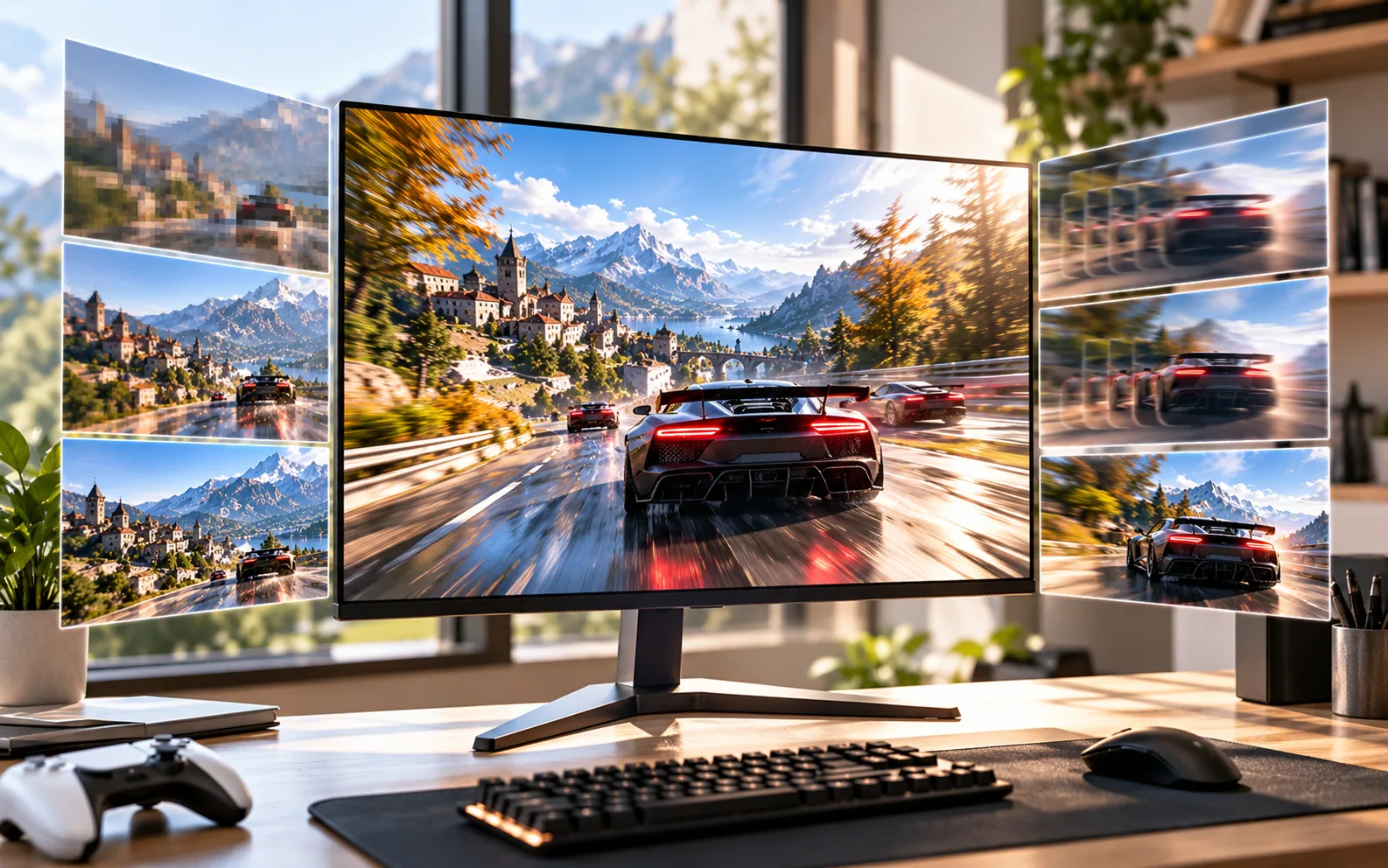
Your monitor should be chosen alongside your GPU.
A 1080p 60Hz display has very different requirements from a 1440p 165Hz monitor or a 4K 240Hz display.
Think about:
Resolution
How many pixels the GPU needs to render.
Refresh rate
How frequently the display can update the image.
Adaptive sync
Technologies such as G-SYNC and FreeSync can synchronize display refresh with GPU output to reduce tearing and improve smoothness on supported hardware.
HDR
Useful when the display can actually deliver meaningful brightness, contrast and HDR performance.
Don't buy a 240Hz monitor simply because the number is bigger.
If your games and hardware rarely approach that frame rate, you're paying for capability you may not use.
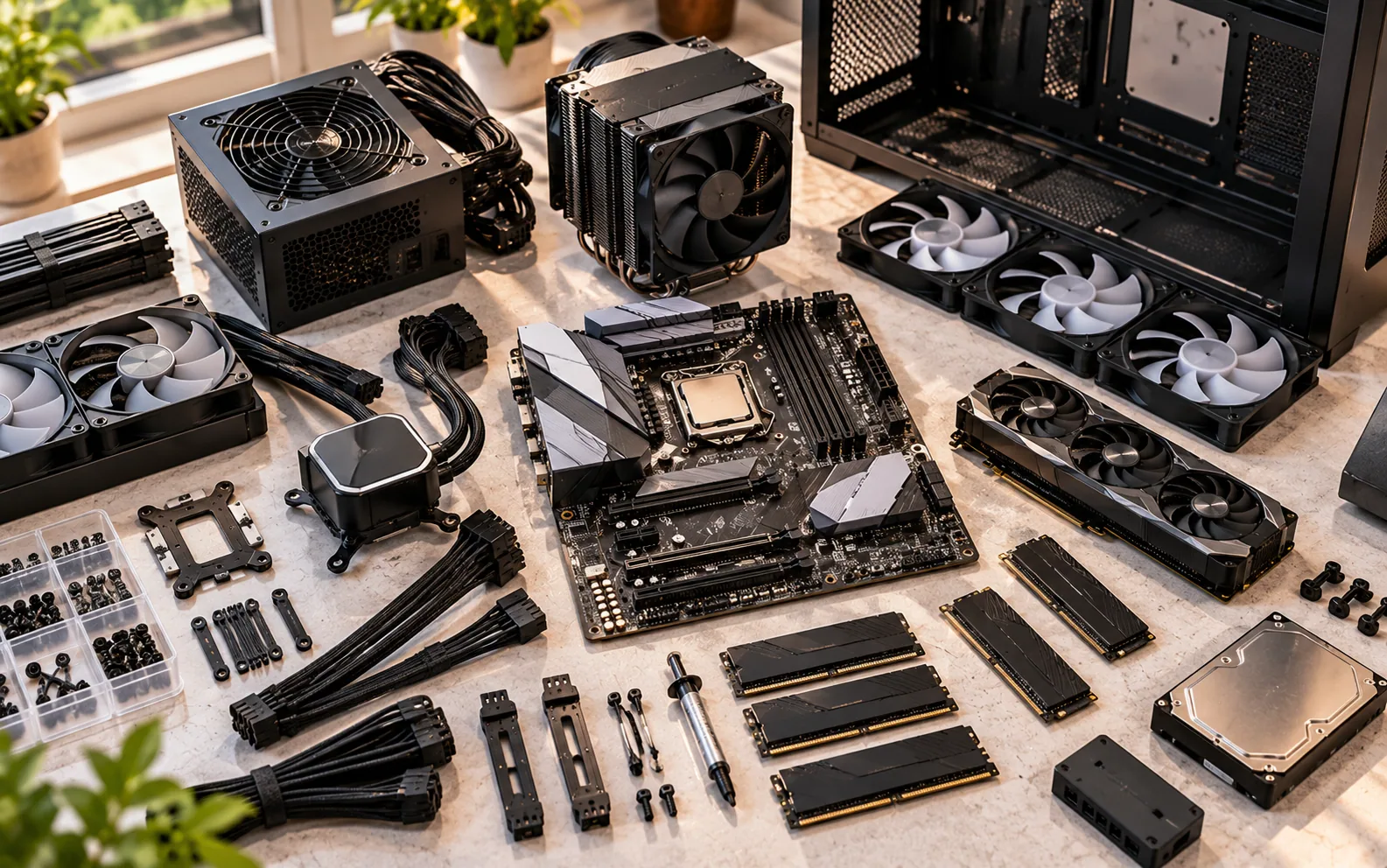
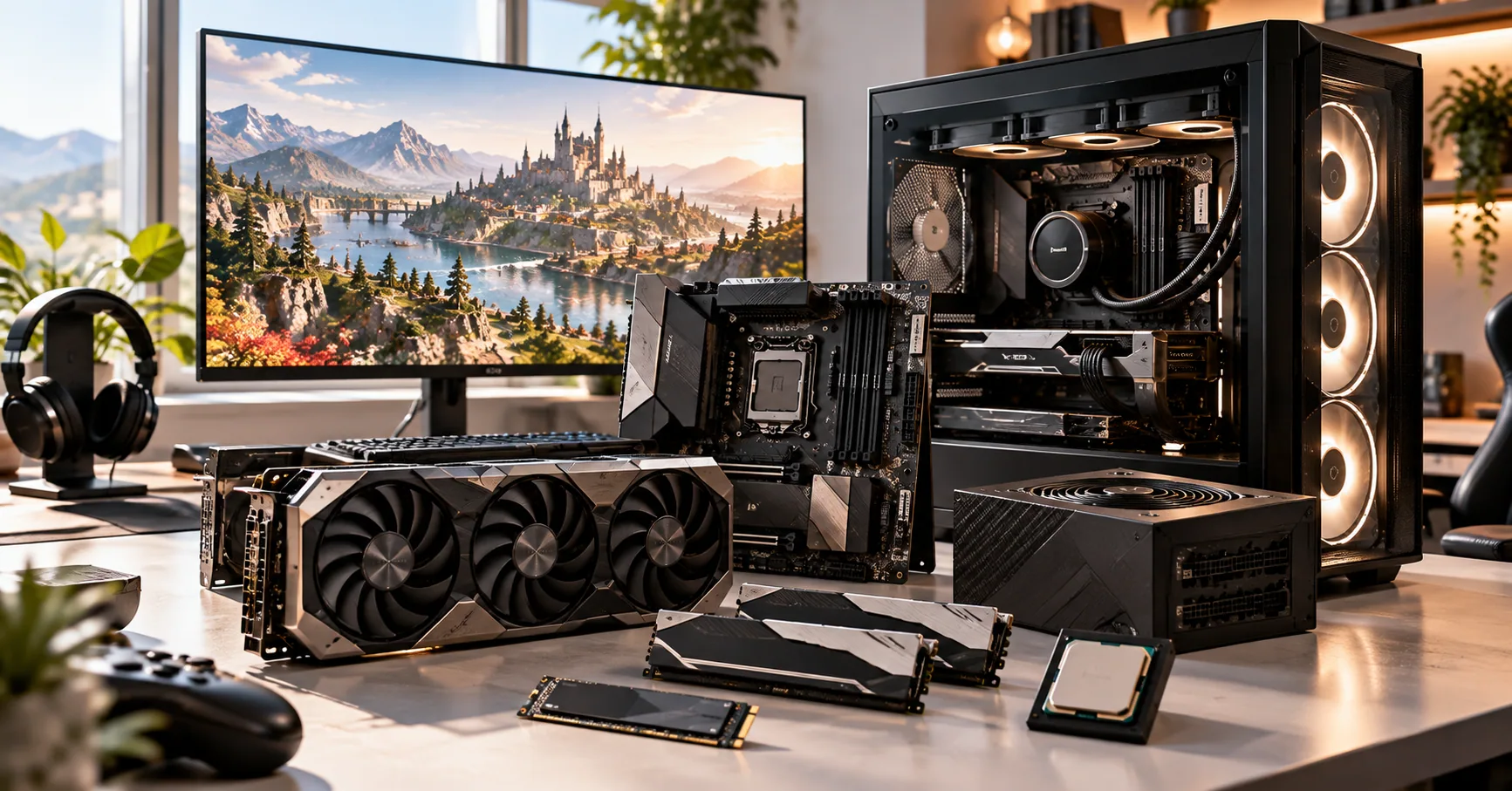
A powerful graphics card still needs a properly designed system around it.
The motherboard determines platform compatibility, connectivity and upgrade options.
The power supply needs enough capacity and appropriate connectors for the system.
Cooling determines whether the CPU and GPU can maintain their intended performance without excessive thermal limitations.
The case determines airflow, component compatibility and physical expansion.
And then there are smaller considerations:
- Number of M.2 slots
- USB connectivity
- Wi-Fi
- Ethernet
- Bluetooth
- PCIe generation
- Fan support
- CPU cooler clearance
- GPU length
- PSU clearance
These aren't exciting specifications.
They're the things that stop an expensive PC from becoming an expensive headache.
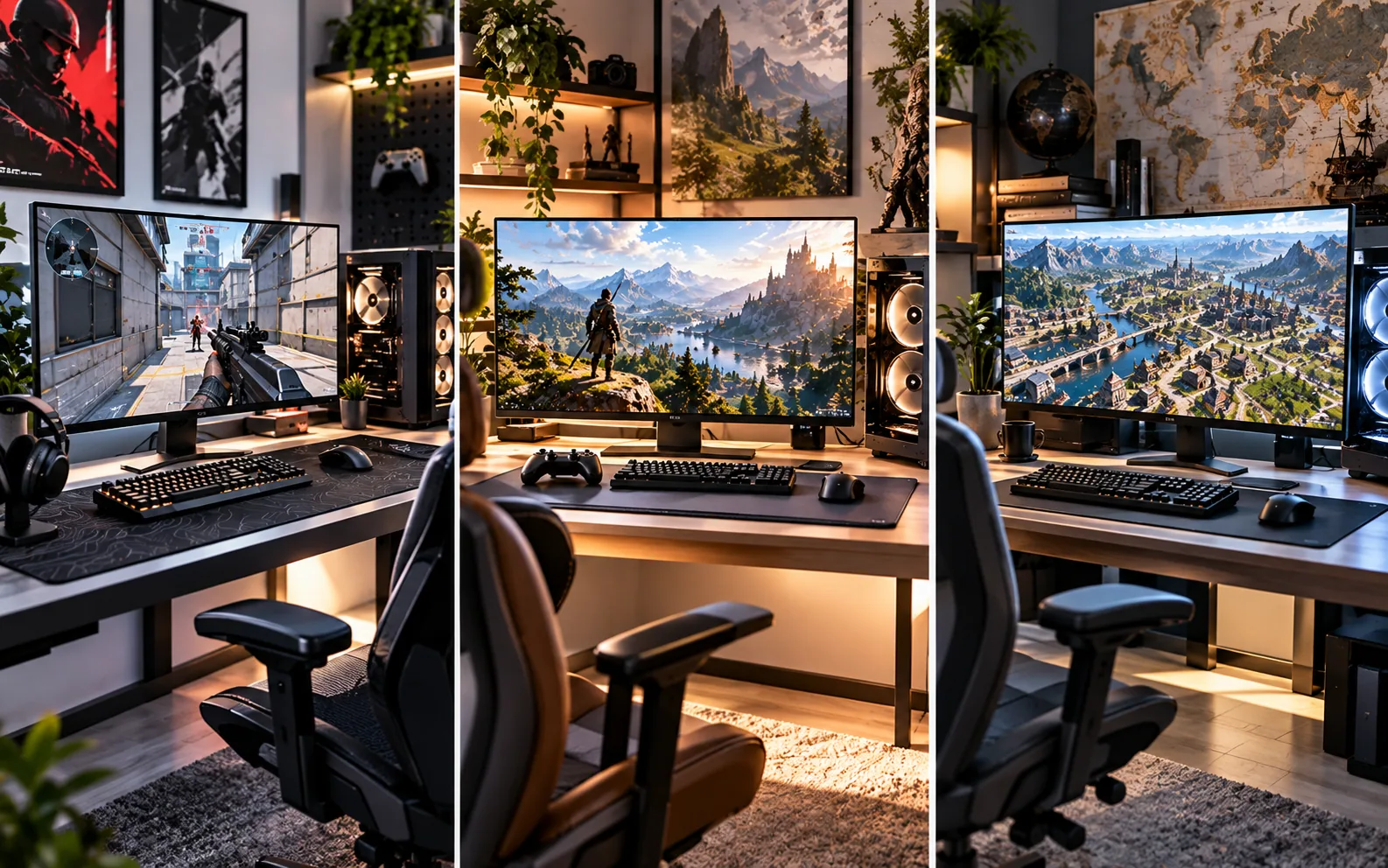
Imagine three players.
The first wants competitive shooters at 1080p with a very high refresh rate.
The second wants cinematic AAA games at 1440p.
The third wants 4K gaming with ray tracing and maximum graphical settings.
There isn't one “best” PC for all three.
The first system may prioritize CPU performance and high-refresh-rate GPU output.
The second may put more of its budget toward a balanced GPU and CPU combination.
The third may spend significantly more on GPU performance and VRAM.
That's why generic tier lists can be misleading.
The correct question isn't:
“What's the best gaming PC?”
It's:
“What's the right gaming PC for what I want to play?”
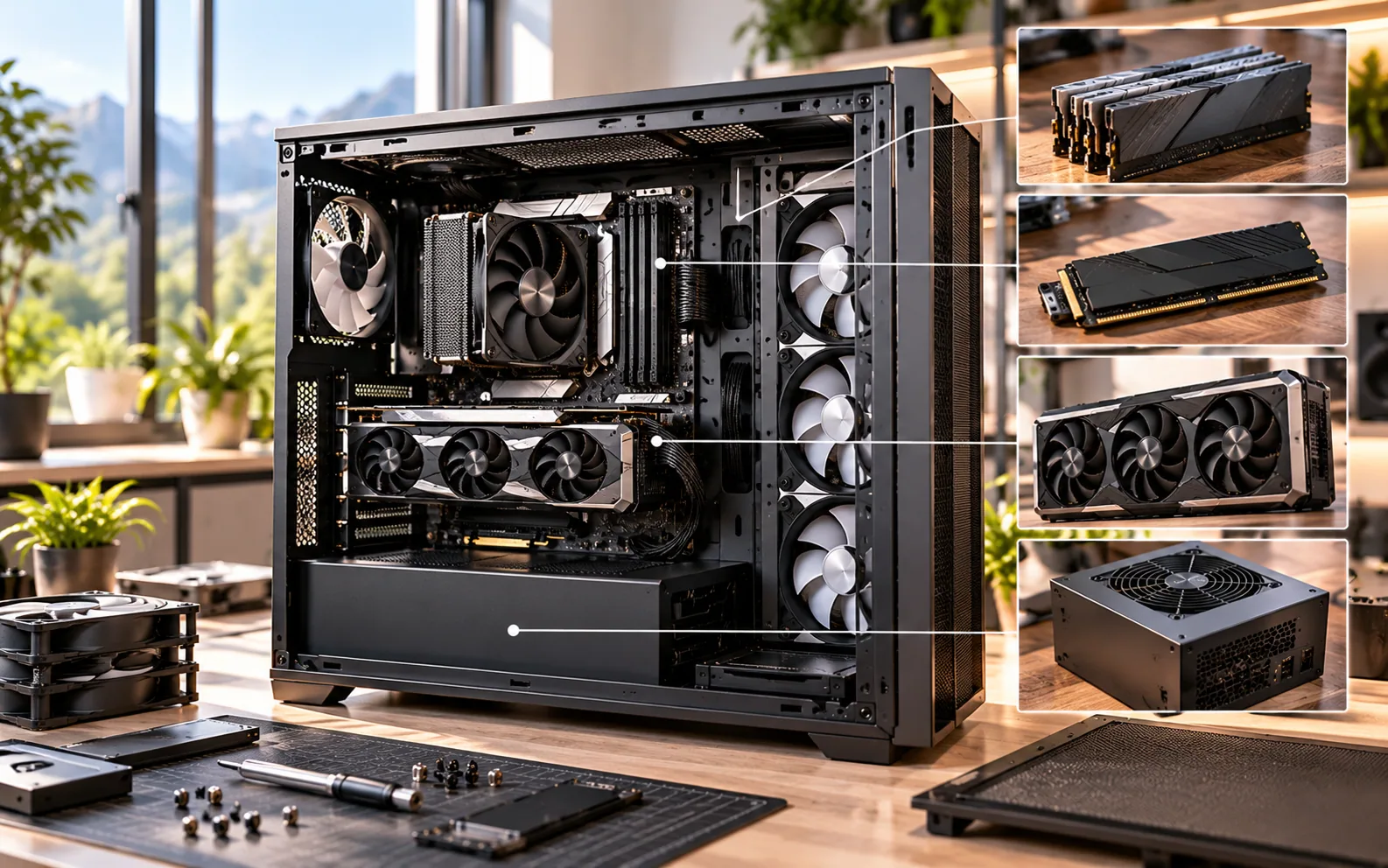
Technology moves too quickly for a PC purchased today to remain at the top forever.
Instead of trying to predict the future, build around sensible upgrade paths.
That might mean:
- Choosing a motherboard with useful expansion options
- Leaving room for another SSD
- Buying an adequate rather than barely sufficient PSU
- Choosing a case with good airflow
- Getting enough RAM for your actual workload
- Avoiding unnecessarily restrictive proprietary components
- Considering how easily the GPU can be replaced later
Windows 11 also has defined hardware requirements including a compatible 64-bit processor, 4GB minimum RAM, 64GB storage, UEFI/Secure Boot capability and TPM 2.0. Microsoft Learn
Those are operating-system minimums, not recommendations for a good gaming PC.
That's an important distinction.
Frequently Asked Questions About Choosing a Gaming PC in 2026
Choosing a gaming PC means balancing performance, price, resolution, features and future upgrades. These answers explain which components matter most and how to match a PC to the way you actually play.
What is the most important component in a gaming PC?
For most gaming systems, the GPU has the biggest direct influence on graphics performance and the ability to play at higher resolutions and settings. The right balance still depends on the target resolution, games and CPU requirements.
How much RAM should a gaming PC have in 2026?
16GB can still be a reasonable starting point for a gaming PC, while 32GB provides more headroom for modern games, multitasking and demanding applications. The appropriate amount depends on the games and other software being used.
How much VRAM do I need?
VRAM stores graphical data such as textures and other assets used during rendering. Higher-resolution gaming and demanding graphical settings can increase VRAM requirements, so capacity should be considered alongside GPU performance rather than treated as an isolated number. AMD specifically notes that increasing game fidelity increases VRAM requirements.
Is 1440p better than 4K for PC gaming?
Neither resolution is universally better. 1440p generally requires less rendering power and can make high-refresh-rate gaming easier, while 4K provides greater image detail but places substantially more demand on the GPU.
Do I need an expensive CPU for gaming?
Not necessarily. The CPU should be matched to the GPU and the games you play. Spending heavily on the CPU while using a comparatively weak GPU can produce an unbalanced system.
Is an NVMe SSD necessary for gaming?
A fast NVMe SSD is increasingly useful for modern PCs. Microsoft's DirectStorage technology is designed to let supported games make use of high-speed storage with low CPU overhead, and Windows lists an NVMe SSD as a requirement for DirectStorage.
Do I need an RTX 50-series GPU?
No. NVIDIA's RTX 50 series is one current GPU family, but the right graphics card depends on price, performance, VRAM, resolution, features and the games being played. The current RTX 50 family spans products from the RTX 5050 through RTX 5090.
What are DLSS and FSR?
DLSS and FSR are technologies designed to improve gaming performance and/or image quality through techniques such as upscaling and frame generation. NVIDIA's current DLSS 4.5 adds a second-generation transformer model for Super Resolution and Multi Frame Generation features on supported hardware, while AMD's current FSR technologies include upscaling, frame generation and other rendering features.
What should I look for in a gaming monitor?
Match the monitor to the PC. Consider resolution, refresh rate, response characteristics, adaptive-sync support, HDR capability and the GPU's expected performance rather than choosing a monitor based on refresh rate alone.
Should I buy a prebuilt or build my own PC?
Both can make sense. Building yourself provides more control over component selection and future upgrades, while a prebuilt can simplify assembly, support and purchasing. The important comparison is the actual component list, warranty and total price.

Junaid
Founder & Editor-in-Chief at Barlin Games
Founder and Editor-in-Chief of Barlin Games, covering games, studios, developers, gaming culture, and the stories behind the industry.